

Appointment notifications
Stay informed about your upcoming appointments.
We understand that patients have busy schedules, and the time you reserve for medical appointments is valuable. To help you stay informed, we send appointment reminders with important details and confirmations before all your scheduled appointments. It is easy to customize your communication preferences through MyChart, giving you control over how you receive messages.
Manage your communication preferences
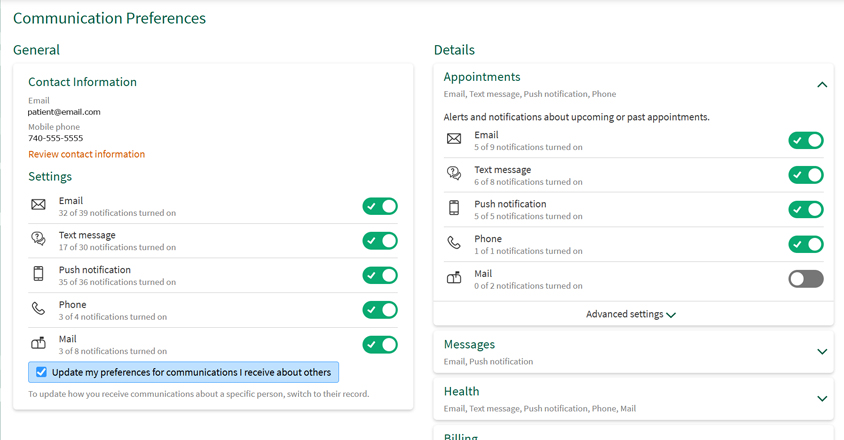
With MyChart, you have full control over how you receive appointment notifications. Choose between SMS text messages, Email or phone calls. You can turn notifications on or off by selecting the options that work best for you. You can choose:
- Which types of messages you receive
- How often you receive them
- How they are delivered (text, phone call, email, or MyChart message)
To update your preferences, sign in to your MyChart account and visit the Communication Preferences section.
Examples of notifications you may receive
Appointment confirmations
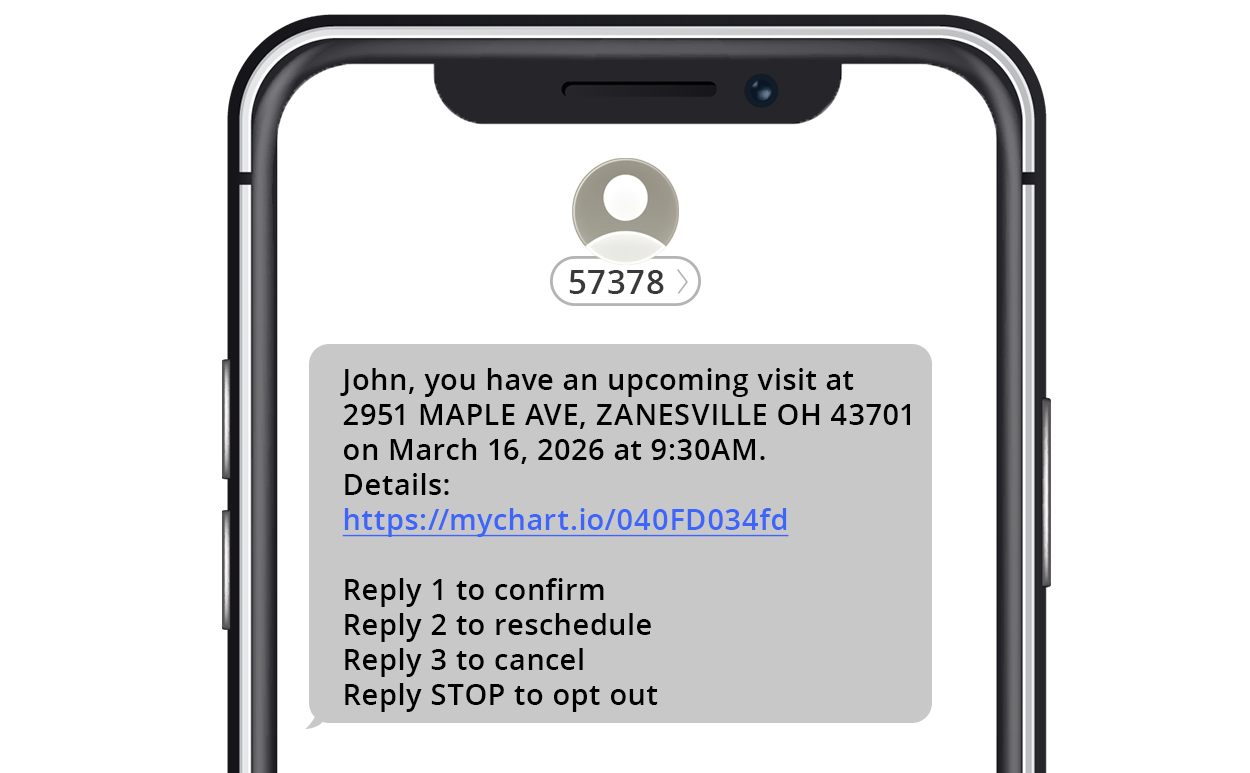
You may choose to receive appointment confirmation requests by text message or phone call. These messages allow you to confirm, reschedule, or cancel your appointment.
Confirmation requests are sent seven days before your appointment. If no action is taken, a reminder is sent three days before the appointment. A reminder is always sent one day before the appointment.
You will receive one notification per day, even if you have multiple appointments.
If you select both text and phone notifications, you will receive the message by text only
Text messages and phone calls are sent between 8:00 a.m. and 7:00 p.m. ET.
Appointment updates
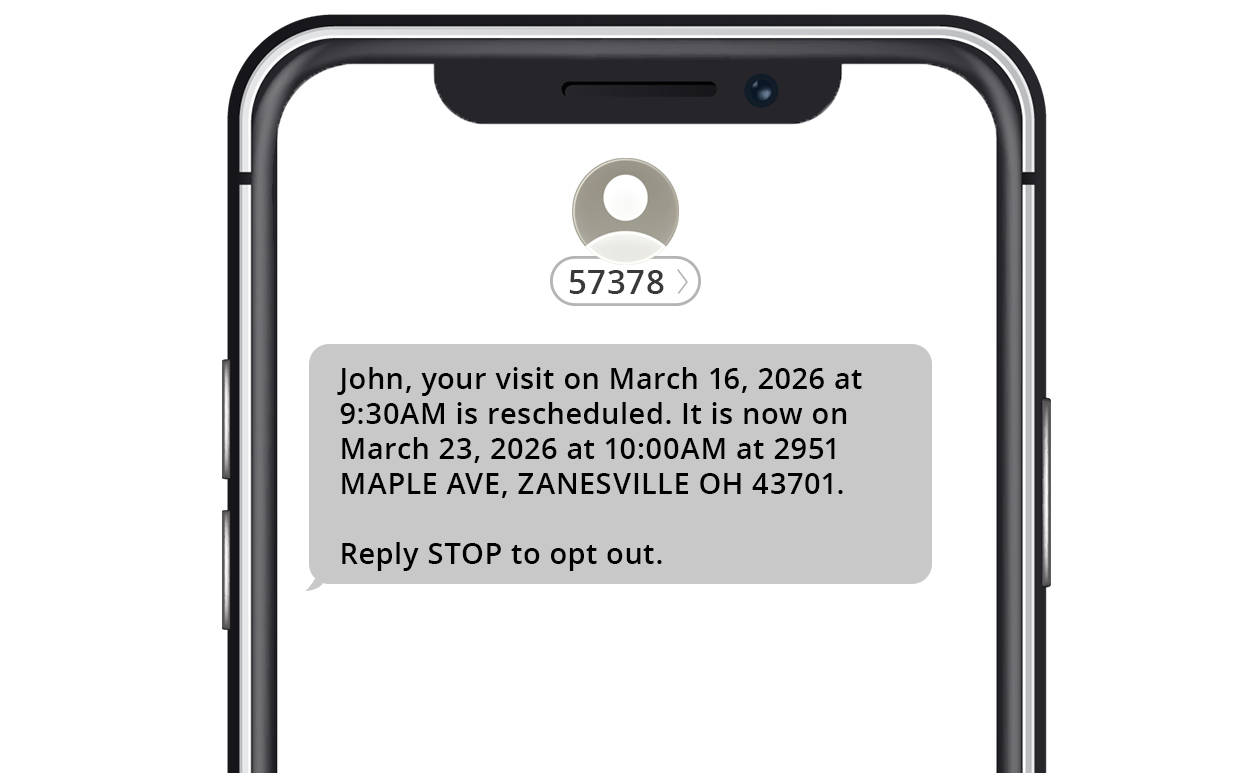
You may choose to receive notifications when an appointment is scheduled, changed, canceled, or missed. These updates can be delivered by text message, email or MyChart message, depending on your preferences.
Video visit notifications
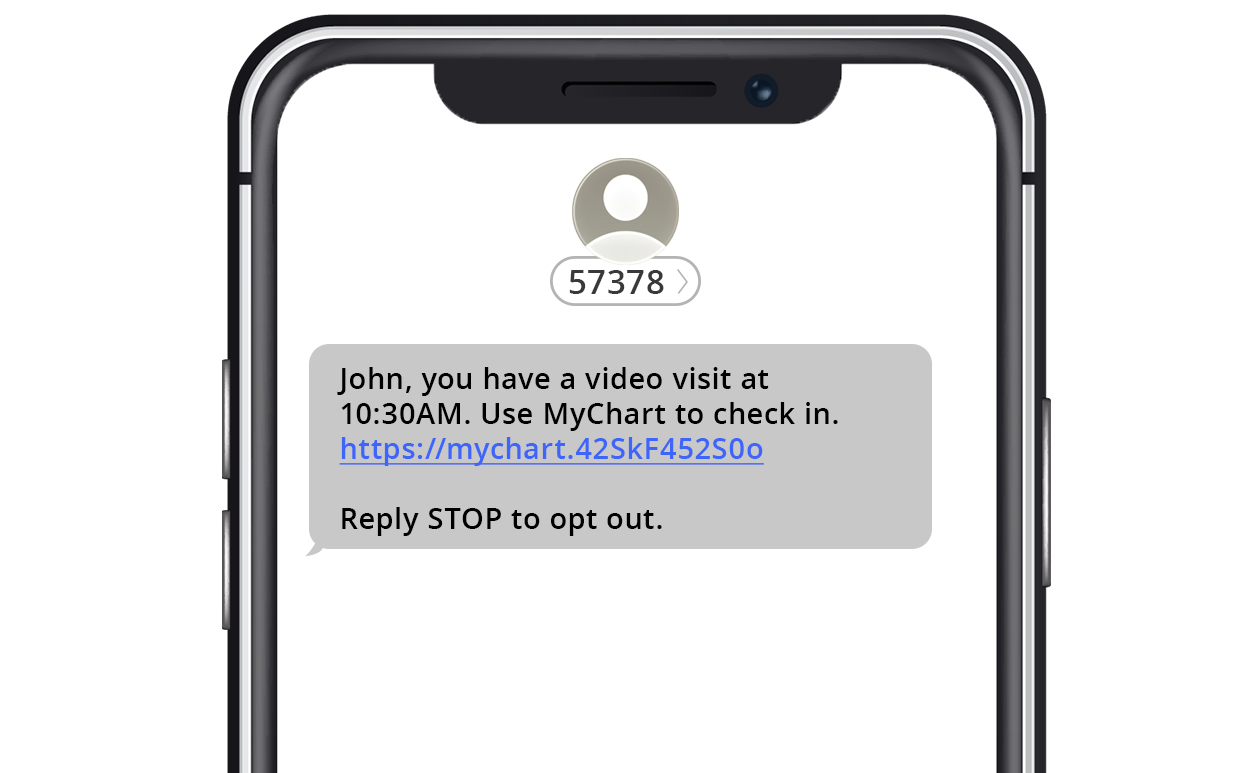
For virtual appointments, you can receive reminders by text message and/or email.
A reminder is sent one day before your video visit and also 15 minutes prior to your visit time.
You may also receive a notification when it’s time to join the visit or if your provider is running behind schedule.
Frequently asked questions
For most visits, reminders will be sent 7 days, 3 days and 1 day before the appointment. Video Visit reminders will be sent 7 days, 3 days, 1 day and 15 minutes prior to the appointment.
Some offices allow patients to reschedule or cancel appointments through MyChart or by text message. If you were not presented with that option, you will need to contact the office by phone.
If your phone number has changed, contact your doctor's office and they will update your information in our system. You can also update your contact information manually by logging into your MyChart account and navigating to the Personal Information section.
No. We will only use your phone number to send messages related to appointment reminders, billing, telehealth and test results.
Yes. You can choose how you want to receive messages in the Communication Preferences section of your MyChart account.
Yes. Text "START" to 57378 to opt back in at any time.
Text "STOP" to opt out of all text message notifications.
Text "HELP" to receive the contact information for the MyChart Help Desk.